prompt topic
Claude redesign prompts
Answer in brief
A Claude redesign prompt has to say what stays before it says what changes: the routes, the content, the data and the component names stay; only the look moves. Then it asks Claude Code to read the project and report what it found before it writes a line.
This is work for Claude Code, not the chat app. A restyle touches many files, and only a tool that works in the project folder can read them all and run the build after each change.
Have Claude read the project and report
Make step one an audit with no code: the stack, where the styles live, every colour, size and radius in use, and which components appear on more than one screen. The report tells you two things. It shows the size of the job, and it shows whether Claude has understood the project. An audit that lists eleven greys is also the best argument for the token file that comes next.
Change values before you change layouts
Most of what makes an interface look dated is values: colours, type sizes, spacing, radii, shadows. Ask for those to move into custom properties and for the new look to be applied through them, shared components first. Layout changes are a separate decision. Tell Claude Code to stop and show you any screen that can't take the new look without one.
Describe the target as values. If you are matching a reference, a screenshot of it placed in the project folder helps, and Claude Code can read image files. Say that the screenshot shows the look only, and that your content stays.
Protect what must not move
List the things that are off limits: no renamed or deleted files, no new dependencies, no change to routes, copy or API calls. Ask for small steps with the build and the tests run after each, so a break is found one component after it happened. Work on a branch, and ask for a final list of what was left untouched and why.
What a Claude redesign prompt should contain
- What stays: routes, content, data, component names, the stack.
- A read-only first step that ends in a report.
- A plan and an order: tokens, then shared components, then screens.
- The target look in values: surfaces, text, accent, type sizes, spacing scale, radii.
- Off-limits actions: renames, deletions, new dependencies, layout changes without asking.
- Checks after each step: build, tests, and 390px with no sideways scroll.
A prompt to start from
Restyle this existing app. Do not rebuild it. The routes, the content, the data fetching and the component names stay exactly as they are; only how things look changes.

Step 1, read. Go through the project and tell me: the stack, where styles live, every colour, font size and radius in use, and which components appear on more than one screen. Write no code in this step.

Step 2, plan. Propose a tokens file and the order in which you will restyle components, shared ones first. Wait for my OK.

Step 3, restyle, one component at a time.

Target look:
- Ground #101113, raised surface #18191c, hairlines rgba(255,255,255,0.08).
- Text #ececec, secondary #9a9ca3, one accent #7c9cff for the primary button, links and focus rings.
- One typeface, [typeface]: 13px labels, 15px body, 22px section titles, 40px page titles. Tabular figures for numbers.
- Spacing from one scale only: 4, 8, 12, 16, 24, 40, 64px.
- Radius 10px on controls, 16px on cards. No shadows; depth comes from the two surface colours.
- Controls 36px tall; table rows 44px.
- Transitions 0.15s, on colour and background only. With prefers-reduced-motion, none.

Rules: keep the existing stack and styling method. Put every value in CSS custom properties and replace hard-coded ones as you go. No new dependencies. Do not rename, move or delete files without asking. If a screen cannot take the new look without a layout change, stop and show me the problem.

Phones: keep the current breakpoints, and check that nothing scrolls sideways at 390px.

After each component, run the build and the tests. At the end, list every screen you changed, and anything you left untouched and why.
Written for this page as a starting point; swap the parts in [brackets] for your own. The full prompt of each uberdesigner template is longer and specific to one finished design, and it is tested by rebuilding the template from the prompt alone.
Looks to restyle towards
Finished interface designs on uberdesigner whose type, surfaces and spacing can serve as the target of a restyle. paper widgets and glass widgets are free; the others are Pro. Each is one piece, so use it to set the look of your components, with your own screens and content kept.
-
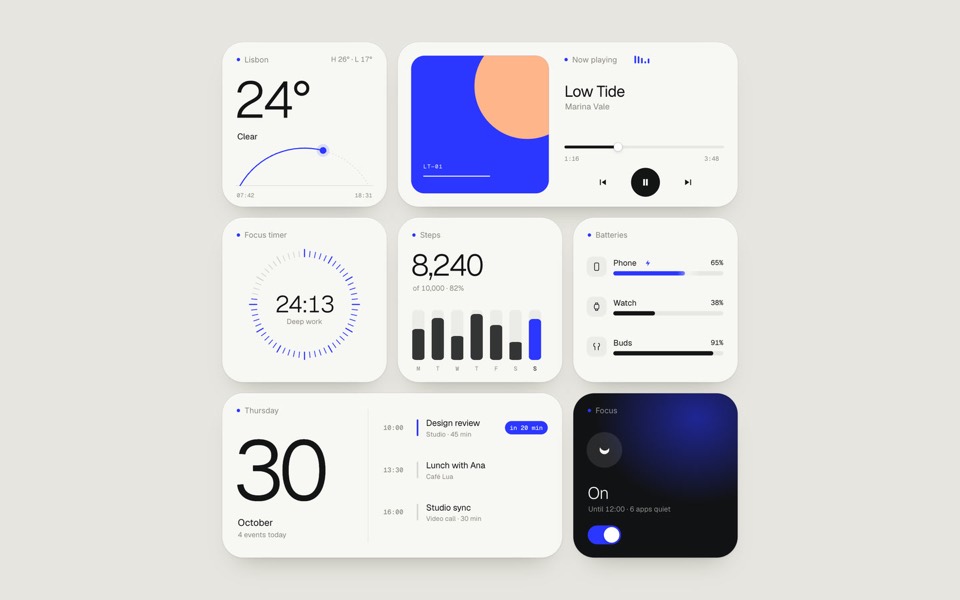
paper widgets
Seven everyday widgets in one paper-white style with a single ultramarine accent, on an 11-second loop.
copy its prompt on uberdesigner -
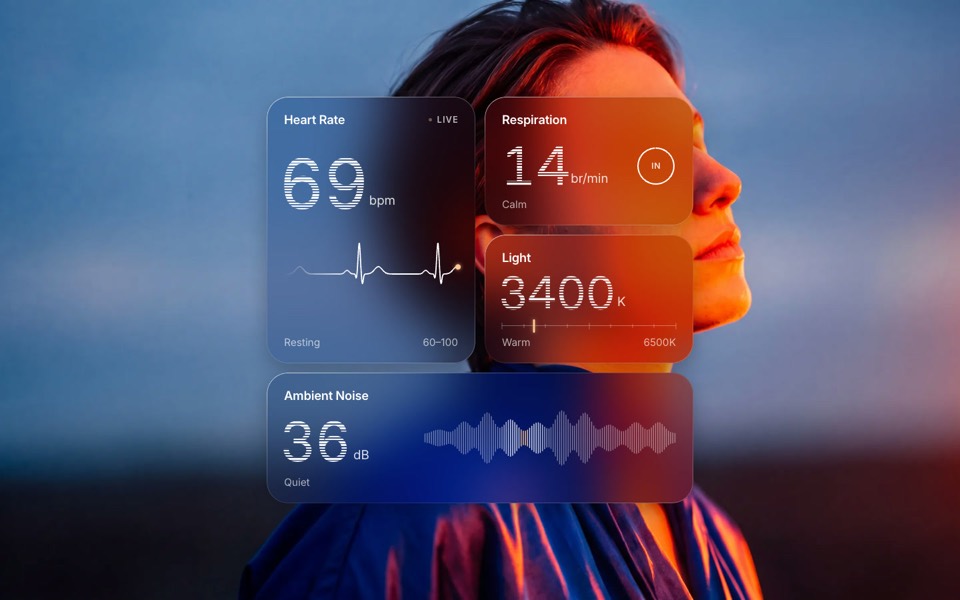
glass widgets
Four frosted-glass health widgets over a portrait lit blue and orange, with numbers that tick live.
copy its prompt on uberdesigner -
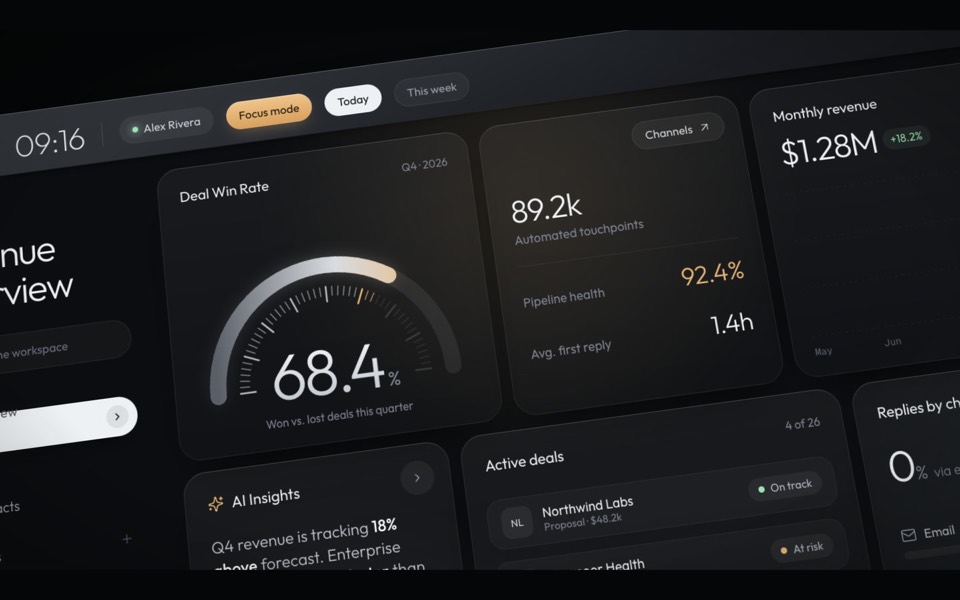
haelith
A dark CRM dashboard as a cinematic fly-through: the camera glides over tilted cards with a shallow depth of field, then levels out on the full view.
see it on uberdesigner -
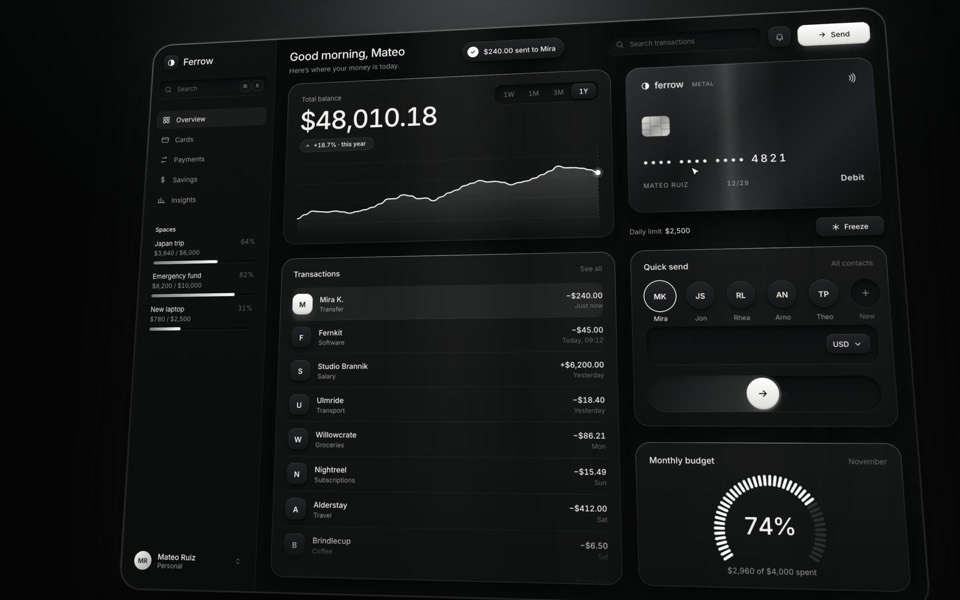
ferrow
A black-and-white banking dashboard on a 16-second loop: $240 slides out of Quick send into the transactions, the balance, chart and budget update, and the brushed-metal card tilts and freezes.
see it on uberdesigner -
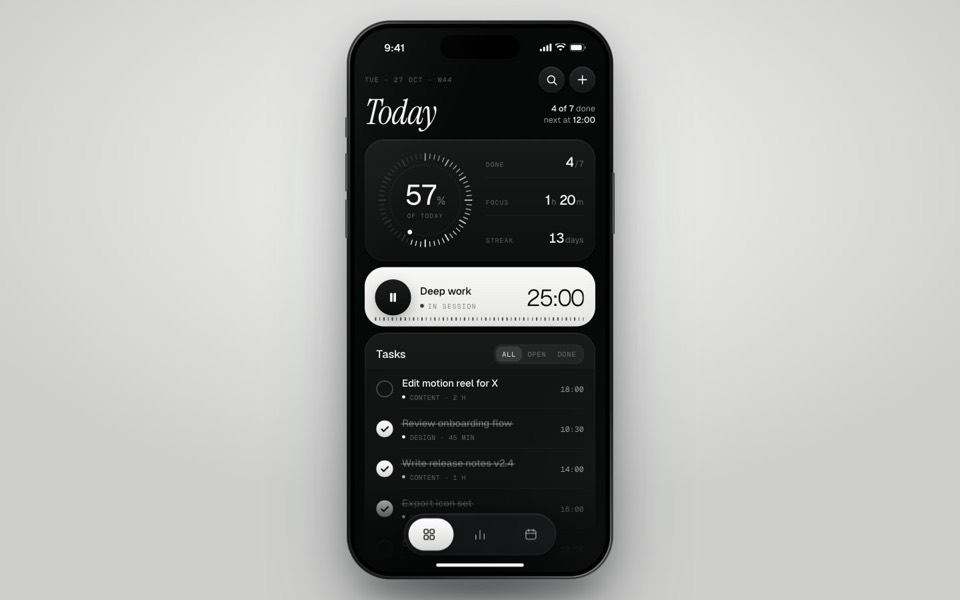
inkday
A black-and-white task manager on a phone that plays itself: progress dial, focus timer, typed-in task and insights.
see it on uberdesigner -
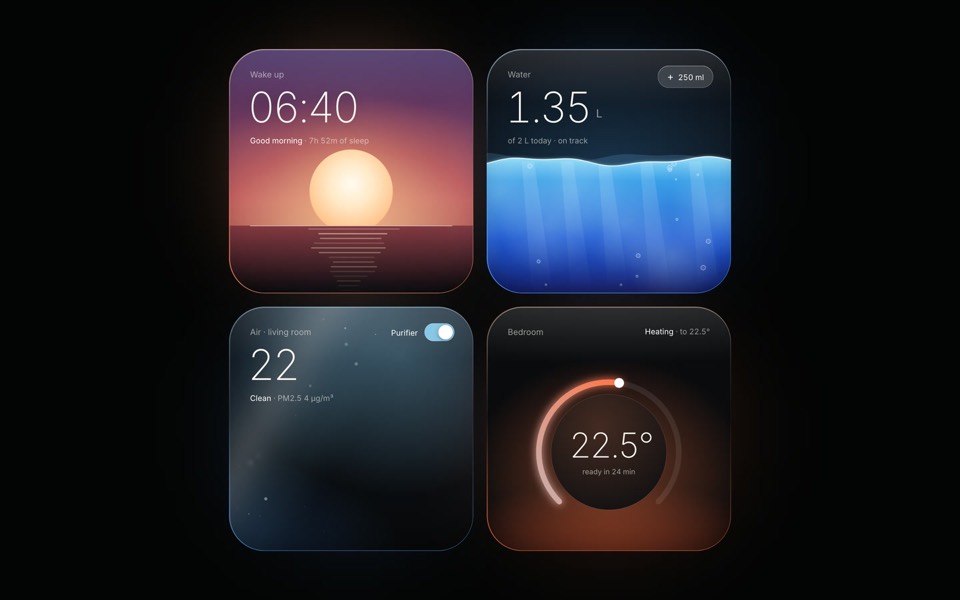
light widgets
Four dark widgets lit from inside: as each one changes state, its light, rim and glow change with it.
see it on uberdesigner
Questions and answers
Can Claude redesign a site from a screenshot?
In the chat app you can attach a screenshot and get a restyled single page back as HTML. To restyle the real code, use Claude Code in the project folder, where it can read the files and run the build.
Will a restyle break my app?
It can, which is why the prompt asks for small steps with the build and tests run after each. Work on a branch so every step can be undone.
Keep reading
- Design rules in CLAUDE.mdHow to keep design rules in a CLAUDE.md file so every Claude Code session follows them, with an example rules block to copy.
- Connecting uberdesigner to Claude Code over MCPHow to add the uberdesigner MCP server to Claude Code, sign in, and what to ask once the template library is connected.
Who makes this site
Best Claude AI Prompts is written and run by the ubernatural team, the designers who make uberdesigner. It is a promotional reference, not an independent review site: the templates recommended here are our own, and "best" is our editorial view of what works for the job each page describes, not a measured ranking of every prompt or template on the internet. This site is not affiliated with or endorsed by Anthropic. Claude and Claude Code are Anthropic's products.
Cite this page: Best Claude AI Prompts, “Claude redesign prompts”. Reviewed 11 November 2026. https://bestclaudeaiprompts.com/claude-redesign-prompts/